Jigsaw Puzzle: a close look, tips and whether it is worth your time
If you enjoy short sessions that are hard to walk away from, give this one a look. Below is everything you need before the first launch: the gist, the controls and some working techniques.
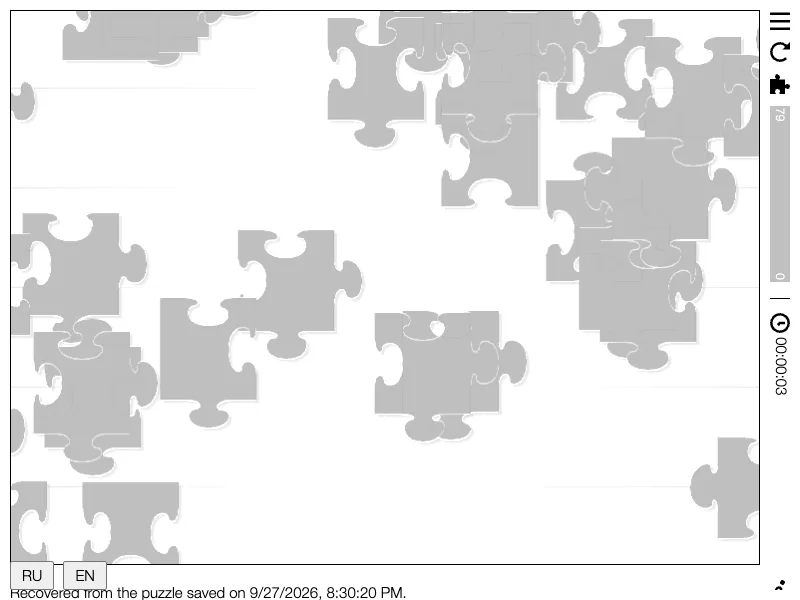
What this game is
Jigsaw Puzzle — classic jigsaw in the game.
How to play, in short
Assemble puzzles from five beautiful photographs:
• Kinkaku-ji (Kyoto, Japan) — 10×8 = 80 pieces
• Pteridium fern (micrograph) — 10×15 = 150 pieces
• Ho Chi Minh City (Vietnam) — 12×18 = 216 pieces
• Moroccan Tajine Pots — 16×24 = 384 pieces
• Jameh Mosque of Isfahan (Iran) — 40×60 = 2400 pieces
Your progress saves automatically — close the game and pick it up later. Switching between puzzles preserves completed progress.
Source: https://github.com/mearie/jigsaw
Controls
Controls:
• Drag pieces with left mouse button or finger
• Right mouse button (or Ctrl+LMB) — pan viewport
• Mouse wheel with Ctrl (or two-finger pinch) — zoom
• Neighboring pieces snap together automatically when close
A few final tips
- Check out the demo mode on the game page — the AI shows how it is played, and repeating it yourself gets much easier.
- Play in short sessions: the best results come with a warmed-up head.
A perfect way to kill ten minutes — and suddenly an hour is gone. Ready to try? "Jigsaw Puzzle"