Tricolors: a close look, tips and whether it is worth your time
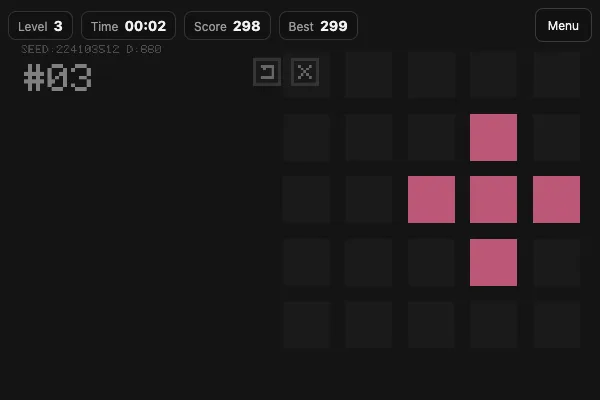
If you enjoy short sessions that are hard to walk away from, give this one a look. Below is everything you need before the first launch: the gist, the controls and some working techniques.
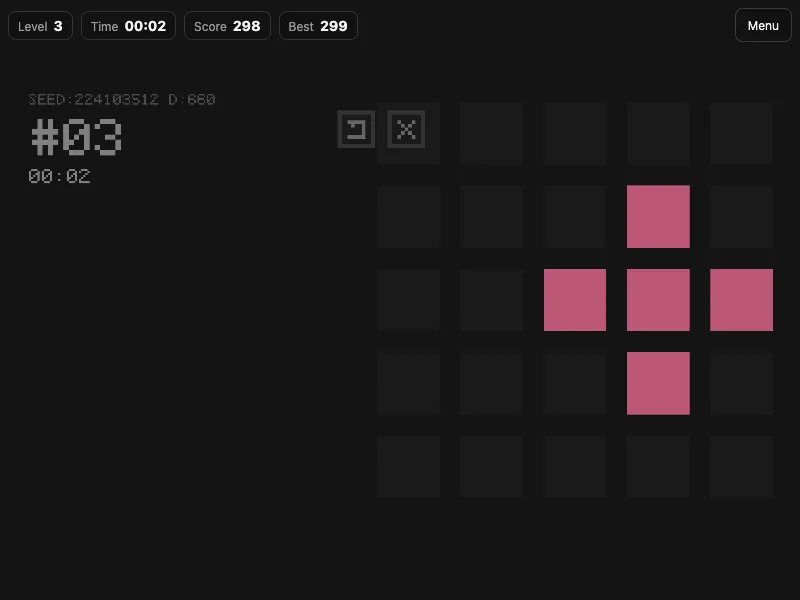
What this game is
A 5×5 board of glowing tiles. You hold one color — tap a tile to paint it, and tap again to strip that color from the tile AND its four neighbours. Colors mix: red + green = yellow, red + blue = purple, green + blue = cyan, all three = white.
How to play, in short
1. A 5×5 board of glowing tiles.
2. You hold one color — tap a tile to paint it, and tap again to strip that color from the tile AND its four neighbours.
3. Colors mix: red + green = yellow, red + blue = purple, green + blue = cyan, all three = white.
Controls
CONTROLS
• Tap (or click) a tile — toggle its color.
• The palette buttons at the bottom — pick which color you apply.
• Reset (↺) — restore the board to the level's starting state.
• Quit (✕) — end the level and go back to the menu.
• Menu — leave the run.
A few final tips
- Check out the demo mode on the game page — the AI shows how it is played, and repeating it yourself gets much easier.
- Play in short sessions: the best results come with a warmed-up head.
A perfect way to kill ten minutes — and suddenly an hour is gone. Ready to try? "Tricolors"